How Foreign Customers Can Pay Nigerian Sellers by Card
Guides · Linkhut Team · 2026-10-26 · 4 min read
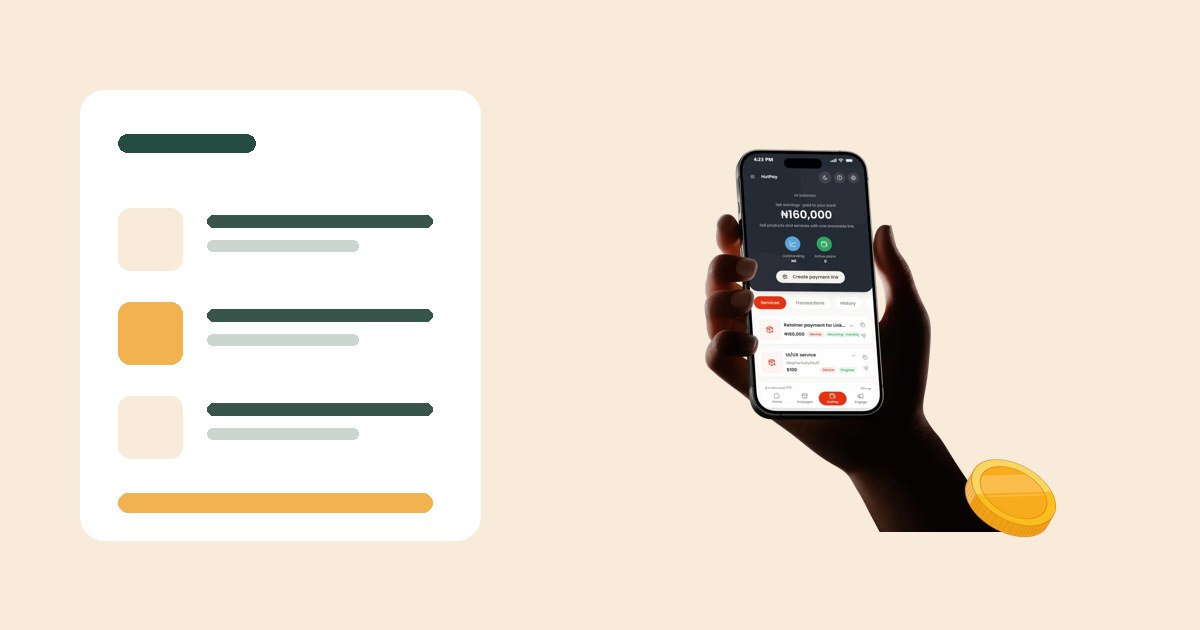
A simple explanation you can send to customers abroad: how to pay a Nigerian business by card, why some cards decline, and how to know the payment went through.
<h2>Send this to your customers abroad</h2>
<p>If you sell to people in the UK, US, Canada or anywhere outside Nigeria, this guide answers the questions they will ask you before paying.</p>
<h2>Step by step</h2>
<ol>
<li>Open the seller's Linkhut link (Hutpage or HutPay link).</li>
<li>Choose the product or service. The price shows in US dollars.</li>
<li>Tap pay. A secure card page opens from Flutterwave, a licensed payment processor.</li>
<li>Enter your card details and confirm with your bank if asked.</li>
<li>You get a confirmation on screen and by email.</li>
</ol>
<h2>Why a card might decline</h2>
<ul>
<li><strong>Your bank blocks foreign merchants.</strong> Many banks flag first-time payments to Nigeria. Approve it in your banking app and try again.</li>
<li><strong>Nigerian naira cards.</strong> Naira cards often cannot make dollar payments. Use a foreign card.</li>
<li><strong>Prepaid or virtual cards.</strong> Some are not accepted for international charges.</li>
</ul>
<h2>Why does my statement show a different name?</h2>
<p>Your bank statement may show the processor or Linkhut's company name instead of the seller's shop name. That is normal – the seller still receives the payment.</p>
<h2>Is my card safe?</h2>
<p>Card details go straight to the processor's secure page. Linkhut and the seller never see your full card number.</p>
<h2>For sellers</h2>
<p>Want to accept payments like this? <a href="/auth">Create a free Hutpage</a> or read <a href="/blog/receive-international-payments-nigeria">how to receive payments from abroad</a>.</p>